Blackmagic shipped Resolve 21.2 just before Apple's first touchscreen MacBook Pro reached buyers. Here is what your fingers can control, what the update changes for everyone else, and the one thing to do before you install it.
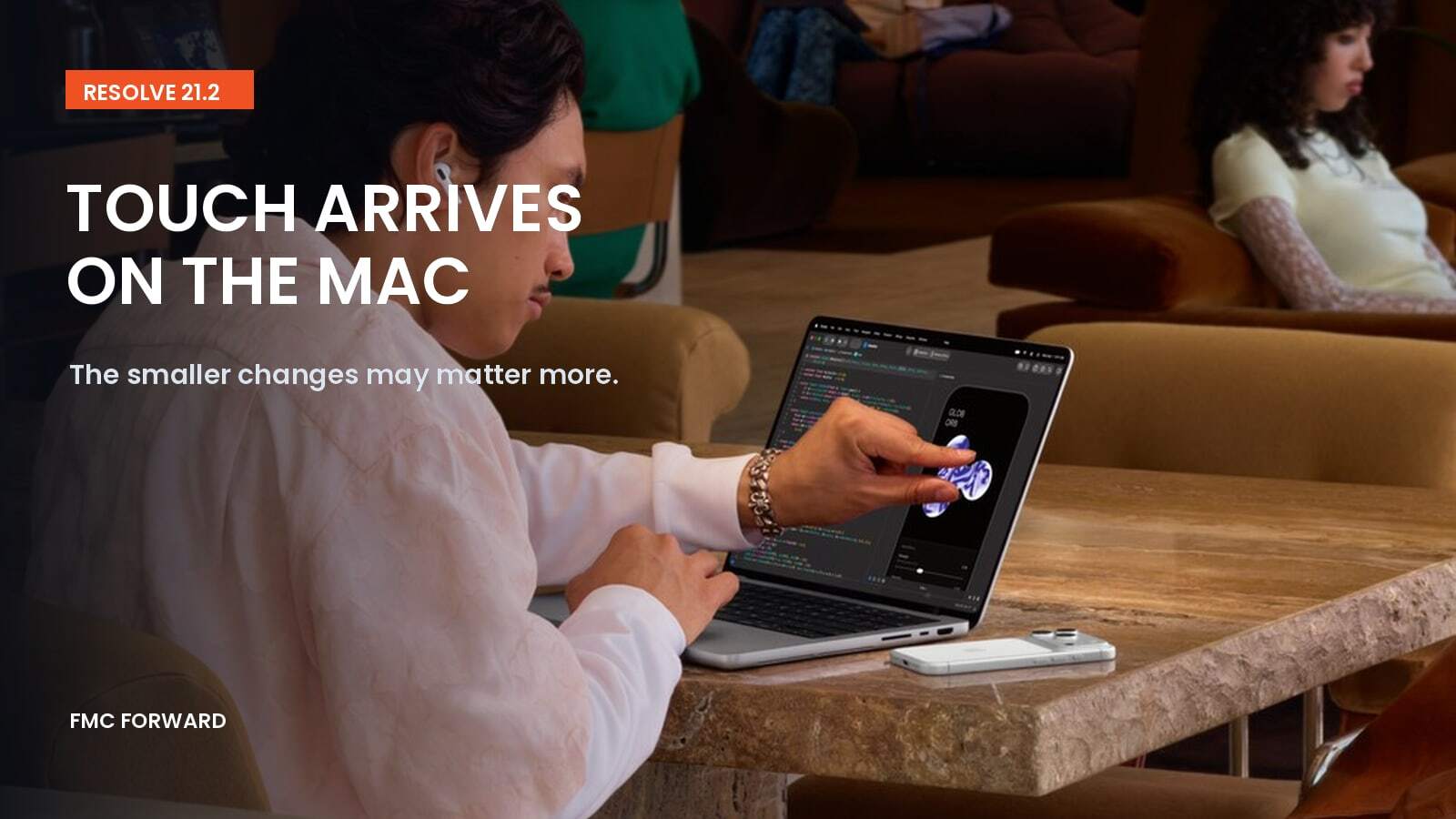
Base photograph: Apple Newsroom. Editorial treatment: FMC.
If you cut or grade in Resolve, this point release reads like three announcements. There is touch support for a new MacBook Pro. There is an “up to 5x faster” rendering claim. Underneath both sit editorial changes and fixes many teams will use every day. Sort them by their effect on real work, and the order flips.
What shipped, and when
DaVinci Resolve 21.2, Resolve Studio 21.2 and Fusion Studio 21.2 arrived in early November as free updates for macOS, Windows, Windows on Arm and Linux. Blackmagic’s release summary leads with support for MacBook Pro models with PROLED XDR displays, “up to 5x faster rendering” on M5 Pro and M5 Max, and Generation 6 Color Science LUTs and film looks. CineD’s release coverage provides the fuller platform and feature list.
Apple announced the MacBook Pro with PROLED XDR Display on October 28, with availability beginning November 6. It uses M5 Pro or M5 Max, starts at $2,899 for the 14-inch model and $3,399 for the 16-inch model, and lists DaVinci Resolve among the third-party apps expected to take advantage of touch.
What touch does in Resolve, and where it stops
Blackmagic’s published examples cover timeline scrolling, dragging effects and titles onto clips, panning and pinching in viewers, the audio mixer, and several Color page controls. Those include color wheels, color charts, Color Warper, annotations and Power Window overlays.
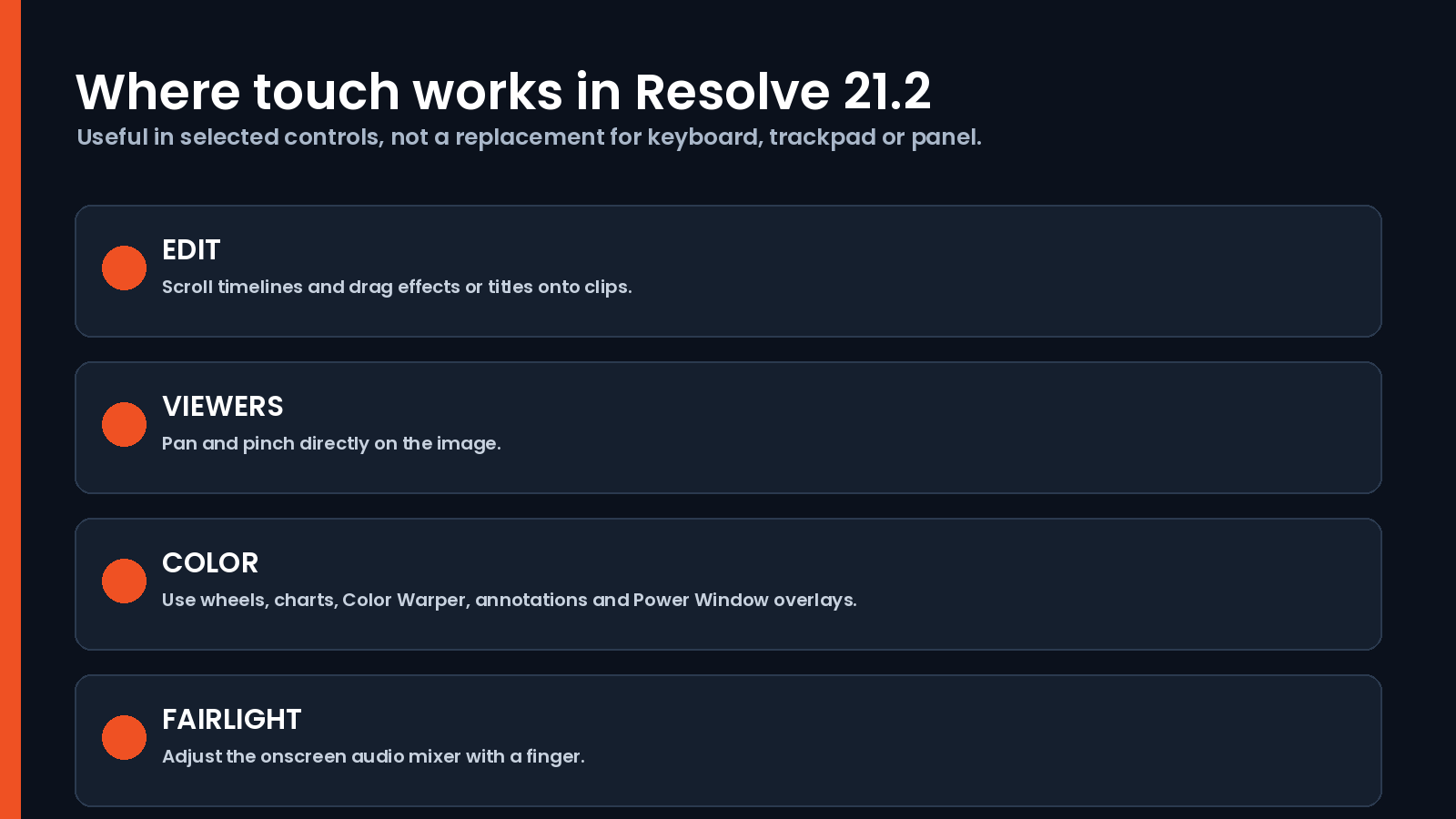
In a hands-on review, Scott Simmons at ProVideo Coalition found the coverage uneven. A touch-sensitive ring appears on the Offset wheel in the standard Primaries controls, but not in the HDR wheels. His keyboard and trackpad remained the primary inputs.
There are two hardware limits. Touch is finger-only. Macworld reports that Apple Pencil and third-party styli are not supported. Fingerprints also matter on a display used for color decisions, so clean the panel before a grading session.
The result is a useful touch layer over a desktop interface, particularly for viewer navigation and Power Windows. It is not a replacement for a keyboard, trackpad or dedicated control panel.
The screen is the bigger story for colorists
Apple rates the tandem OLED display at up to 2,000 nits peak HDR and SDR brightness, a 10,000,000:1 contrast ratio, and support for P3 and Adobe RGB. Apple also describes factory calibration and reference modes. Early independent display testing has begun, but long-term behavior with static scopes and interfaces still cannot be established from launch-week reviews. OLED image retention over years of professional use remains a question worth watching.
The OLED models also cost more than the mini-LED M5 Pro and M5 Max MacBook Pros Apple continues to sell. If the display is the reason to upgrade, compare measured performance and your own reference workflow rather than buying on the touch feature alone.
Read the fine print on “up to 5x faster”
Blackmagic’s “up to 5x faster rendering” figure does not identify the effect, comparison system or test method in the public summary. CineD likewise notes that a baseline is not supplied. Treat it as a vendor claim until you time a representative ResolveFX render on your own project.
Gen 6 LUTs: who this is for
Blackmagic introduced Generation 6 Color Science with Camera 10.3 and Blackmagic RAW 6.0. Newsshooter reported confirmed in-camera support on the URSA Cine 12K LF. Resolve 21.2 adds matching Gen 6 LUTs and film looks in both editions, plus a ResolveFX False Color mode that reads Gen 5 and Gen 6 in Studio.
The changes editors may notice first
The release notes include several small changes with direct workflow consequences:
- Multicam clips can open as source clips in source timelines.
- Converting an in/out range to a compound clip can replace the selected clips in place.
- A menu action and shortcut restore the last active edit points.
- Extracted audio files retain source timecode.
- Fixes address MXF audio on network drives, AAF audio timecode and imports, and artifacts in some Sony XAVC Long GOP renders.
Newsshooter lists the release notes in full. For teams exchanging turnovers with Avid or Pro Tools rooms, the AAF and timecode fixes may justify the update before touch does.
Before you install: the one-way door
The compatibility warning is the most important line in the release notes. As Digital Production reports, project libraries remain compatible with Resolve 20.3.2, but individual projects opened or created in 21.2 cannot then be opened in 20.3.2.
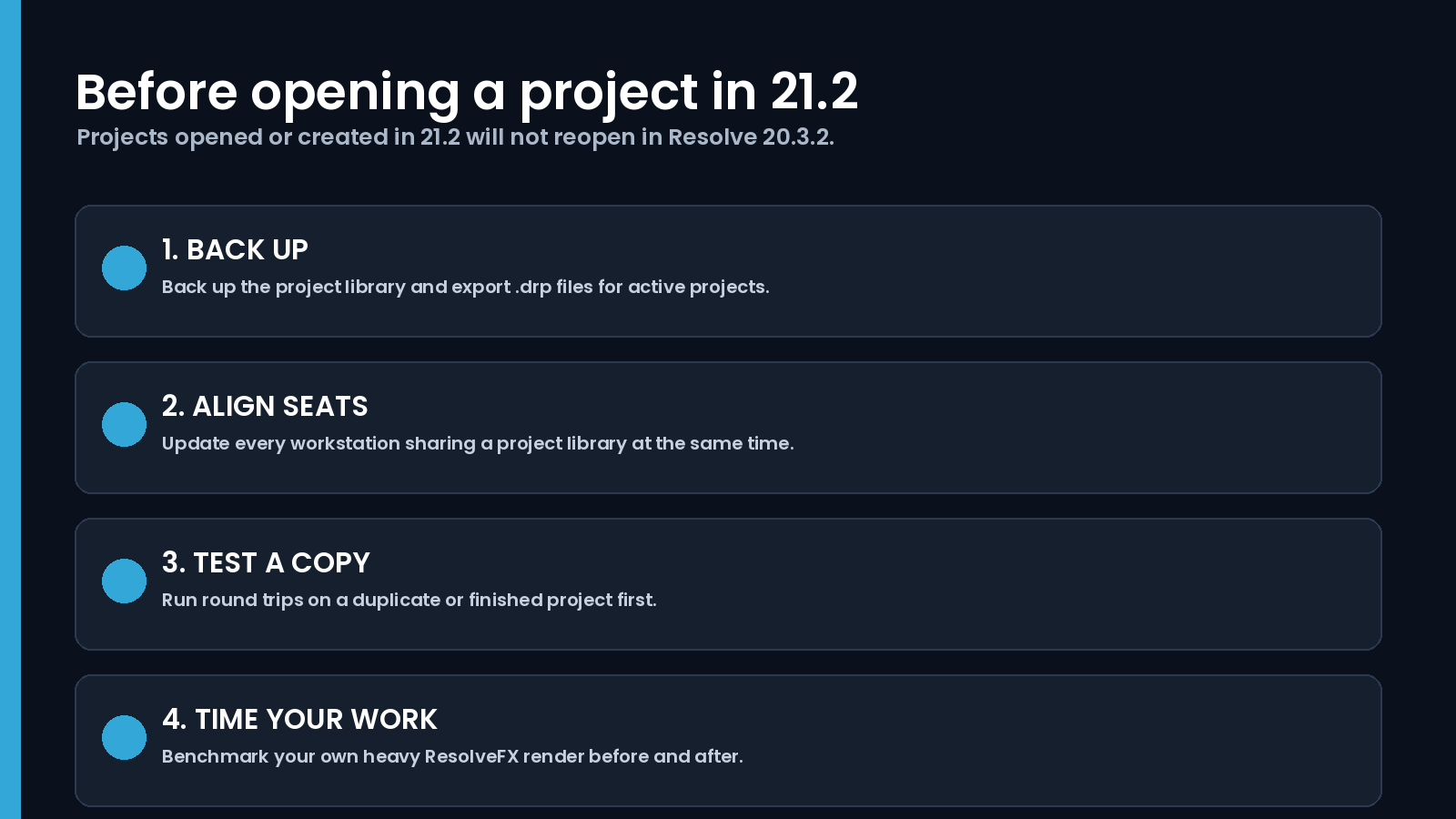
- Back up the project library and export a .drp file for every active project before opening it in 21.2.
- If a facility shares a project library, update every seat together or keep every seat on the previous version.
- Test a finished or duplicated project and run your usual round trips before touching a delivery timeline.
- On M5 Pro or M5 Max, time one of your own heavy ResolveFX renders before and after the update.
Training dates for teams making the move
FMC’s upcoming schedule lists Introduction to Editing with DaVinci Resolve on November 18 and Color Grading and Finishing with DaVinci Resolve 101 on November 23. Both are listed as guaranteed to run.
Touch made the headlines because it is new on the Mac. The edit-point, multicam, AAF and timecode changes are more likely to show up in your week first. Back up, install for the improvements your team can use, and let the touch and OLED questions wait for measured reviews and hands-on testing.